• Skip to content
logo logo
  • Blog
Login SIGNUP

end to end encryption

What is end-to-end encryption and how do we use it in HushApp?

October 23, 2018 by HushApp Team

What is end-to-end encryption and how do we use it in HushApp?

Have you ever heard about end-to-end encryption? If you use applications such as Whatsapp or Telegram, you are already using this type of technology. This term has become recognizable thanks to these applications, but not only do they use this system, and besides the people who do not understand it, some have the ability to understand it is associated with a higher level of security. What is end-to-end encryption and what is it for?

What is end-to-end encryption?

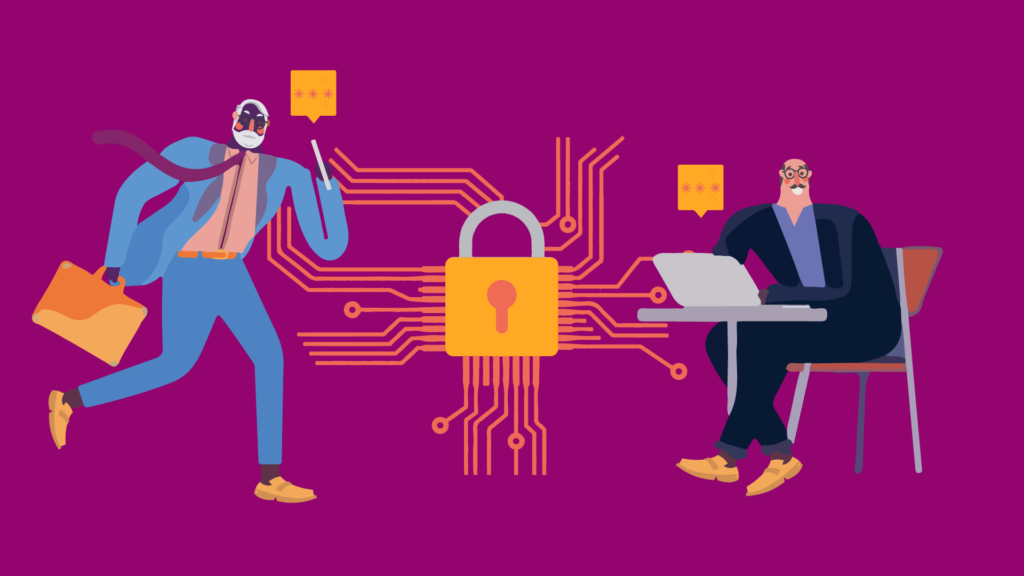
Known in English as End-to-end encryption (E2EE), it is a communication system where only the users who communicate can read the messages. In principle, it prevents potential spies, including telecommunications service providers, the internet or any communication service, from accessing the cryptographic keys necessary to decipher the conversation. It is designed to overcome any attempt of surveillance or undesired alteration, since no third party will be able to decipher the data that is being communicated or stored.

To explain it in a simpler way, it is an encryption system that keeps the information protected in all phases of the process meaning that the only people who have access are the sender and the receiver.

Advantages and disadvantages

The main advantage of this type of system is to protect your information and privacy. Including anybody behind a service provider, only you and the recipient you choose will be able to access those files.

One of the great advantages is that companies that use end-to-end encryption can not deliver their clients’ text messages to authorities.

This brings a possible moral issue, that being that criminals may use such security to commit criminal activities. Although the debate may be extended, the advantages in terms of privacy may outweigh the concern of criminal activity.

Why do we use end-to-end encryption in HushApp?

Many messaging tools use this type of encryption to make communications more secure and private. However, it is important to note that this encryption system only offers a high level of security as long as it is implemented correctly. There are cases of recognized messaging companies who make promotions for using end-to-end encryption but aren’t even using it. They have suffered serious security breaches, due to the implementation they have made of this type of encryption. 

Give HushApp a Try!
BOOK A DEMO

To strengthen your security we use the passphrase, this is where we protect your files and transfers, the passphrase is the key used to authenticate the user. When you register on your device, a secret key is generated that will help you decipher the encrypted content you receive and or send.

This secret key is created and stored in the user’s device. Thus, only those who know the passphrase can recover the secret key which unlocks the content. When you log in again, you will be asked for your passphrase and the encrypted secret key will be decrypted with this same passphrase.

With HushApp you are the one in charge of giving more security to your files because the more complex the security passphrase you choose, the higher the level of protection. You can even know if your passphrase is sufficiently robust and complex to be deciphered, because the application assigns your profile a yellow (if regular) or green (if strong) shield based on this criterion.

That is why it is important that you do not forget your passphrase. Our application implements zero knowledge protocol, meaning we have no way to access your files, passwords or passphrases. So, if you cannot remember your phrase, you will not be able to recover your files.

We invite you to try HushApp …

Filed Under: HushApp News, Sin categorizar Tagged With: cybersecurity, E2EE, encryption, end to end encryption, passphrase, privacy

22 frequently asked questions about how to share and send files in a safe way

June 14, 2018 by HushApp Team Leave a Comment

22 frequently asked questions about how to share and send files in a safe way

Every day new applications are sent to the market that allow us to send files to our contacts in a complete and timely manner, this means that sharing information in digital is part of our day to day. The problem is that we do not always do it the right way.

With the rise of cybercrime, many questions arise about whether we are taking the necessary precautions when sharing information, especially when it comes to confidential data. That is why we decided to answer the most frequent questions that are asked about this topic.

What you need to know about share and send files safely

1. Why is security so important to sending a file?

It is common to hear about large and serious leaks in high confidentiality data companies in the news. Today hackers have more powerful tools than ever that allow them to intercept valuable information. If you do not take the necessary preventative measures, the consequences could not only revolve around reputation but finances as well.

2. Is it wrong to send files by email?

Not bad as long as the information you send is not confidential. Take into account that emails with attachment are a bait used to infect with malwares the computers of the recipient.

3. How safe is it to send files with cloud services?

Cloud services currently have many options that streamline the file-sharing processes. However, we must bear in mind that they are also vulnerable to being intercepted by someone unwanted. It would be advisable to establish strong passwords and, if possible, configure double factor authentication.

4. Is it secure to send files by chats like Facebook Messenger, Telegram or Whatsapp?

Facebook Messenger, Telegram and Whatsapp are some of the most globally used messaging services, but they do not all share the same level of security. The Facebook chat is considered one of the least secure considering that it does not have an encryption system, not to mention that all conversations are stored. Telegram and WhatsApp, although having a strong encryption system, still put information at risk due to ease of use and virality.

5. Are files shared through services like Wetransfer or Mega protected?

These services are useful for fast heavy file transfers, but they do not involve maintain a high security level. Like other cloud services, files are exposed to being intercepted.

6. What applications should I use to send files securely?

We advise that you an application that allows you to encrypt files, while also guaranteeing you that their technology completely protects your files from the moment they arrive up to the point that they reach the chosen recipient.

7. How do I make sure I’m sending files in the right way?

Although there is no infallible system, it is crucial to find one the one that best suits your needs. You must spend time choosing the application that offers the highest security level and ensures protection in all transfer phases.

8. What is file encryption?

An encryption software takes data and creates a shell that makes it inaccessible and illegible for those who want to access without authorization. Encrypted information can only be unlocked with a predetermined password.

9. What is end to end encryption?

It is an encryption system that keeps the content protected in all phases of the process, only the sender and its recipient will have the access code.

10. How does encryption work when sending files?

The file is encrypted with certain encryption protocols in the device that it sends based on unique passwords and transfers it to the addressee. This makes addressee the only person who will be able to decrypt it.

11. What should I consider when choosing a program that protects my files?

The more encryption systems the application integrates, the more effective it will be. End-to-end encryption and zero-knowledge technology are great examples of programming that ensures that developers/hackers can not access your files or passwords.


send files safely
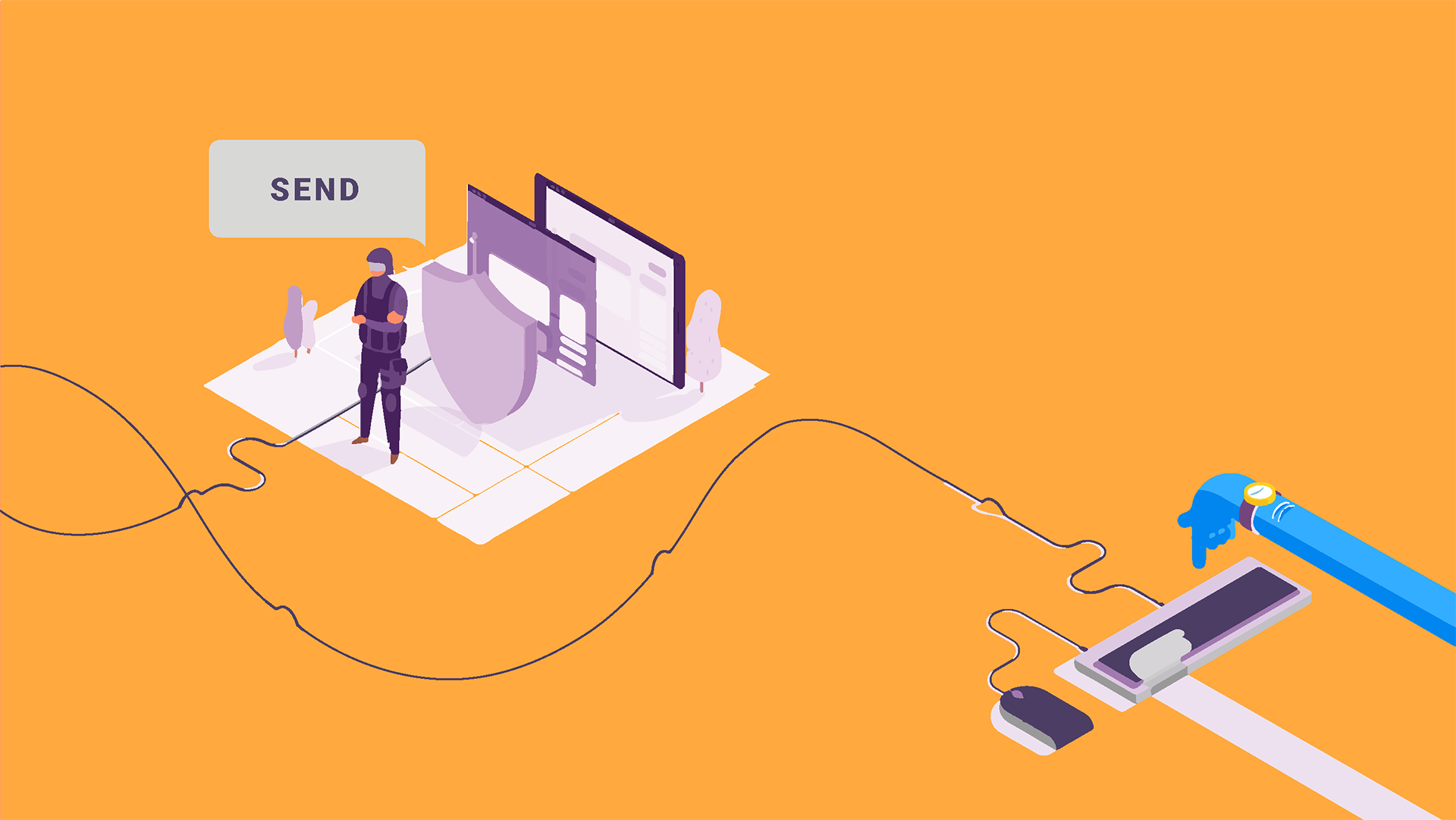
The HushApp is an application that is safe and easy to use, while also including end-to-end encryption.


12. How do I know that the files will be safe when they reach their recipient?

Ideally, the receiver should use the same security software so that received files will remain encrypted. Even if the receiver does not have a specific software, the file will remain secure until it is decrypted and downloaded by the receiver.

13. Is the server of the program I am using safe?

Depending on what you want to protect, you must increase or not the security level of the server you select. If the one you use works with military level encryption, with multilayer encryption or backup services, you can be sure that your information has the ideal level of security.

14. Is the server located in a secure geographic location (with respect to local information regulation / GDPR)?

If you are sharing documents with your clients, it is necessary to have total transparency of a file’s storage location. The new General Regulation Data Protection (GDPR) this information should be even clearer.

For this reason it is essential to seek local legal advice. This means that when selecting a file exchange provider, ask where those files will be located and which legal regulations they should operate.

15. What applications are recommended to be used in companies?

Adequate encryption systems for the transfer of secure files and servers with the highest level of security. It is important that they allow the participation of several users and that they also comply with local data protection regulations.

16. Is the application to send my files compatible with the workflow of a company?

It is essential that a company manages the information that moves inside carefully. In addition, the program must have multidisciplinary team management systems that can be easily adapted to the constant flow of information that exists in a company.

17. How can I control what is sent and shared within my company?

There are tools adapted to the business environment that allow you to manage the flow of information in the company easily and safely.

The HushApp has a version adapted to companies, with which you can exchange and send files in multidisciplinary teams in a secure way while controlling the access and management of other users’ permissions. In addition to this you are able to access a history of file transfers sent and received, all while complying with the current European legislation.

18. Are they easy to use applications?

It depends. It is important to choose an application that monitors security levels and offers a good user experience and usability. This allows for a simpler implementation and easy learning for employees.

19. Is it safe to work with FTP?

FTP file transfer is a system that many companies still use that allows the uploading of files to a server. This means that whoever needs to access these files can view them from another computer with a username and password. The problem with this is that a password is not as effective as the encryption, since it is only protecting the access and not the file itself. It is ideal to upload already encrypted files, even if it is a little more time consuming.

20. Is there another safer method than encryption?

So far, no, but there are different types of encryption that can vary the level of security and adapt according to what you need.

21. Is a premium account better than a free account?

Everything will depend on what each one offers. It is not necessarily true that a premium account is better than a free one, it must adapt to the needs of the shipment. The important thing to review is the actual security offered by each.

22. Are the documents that are worked on collaboratively safe?

Currently, there are online tools that allow more than one person to edit a document in real time. This type of functionality is very useful for work teams trying to manage time.

However, this type of service does not offer optimal security measures since there is no way to protect them while they are being edited. It is not advisable to work on sensitive information for the company in these type of settings.

Filed Under: HushApp Tips Tagged With: encryption, encryption system, end to end encryption, exchange files, send documents, send files, send files securely, share documents., share files

logo HushApp made in EU

HushApp allows to protect and send files safely without complications, in any platform. Sign up for HushApp and enjoy the peace of mind of end-to-end encryption.


Product
Features Pricing Android App iOS App coming soon Web App
Users
Book a demo FAQ Guide Support
Business
Hush for Business GDPR Use cases
About
About us Jobs Terms of Use Privacy Policy Legal
This website uses cookies to improve your experience. We'll assume you're ok with this, but you can opt-out if you wish.Accept Read More
Privacy & Cookies Policy
Necessary Always Enabled