• Skip to content
logo logo
  • Blog
Login SIGNUP

hackers

9 tips to use Facebook safely and not compromise your privacy

April 3, 2019 by HushApp Team

9 tips to use Facebook safely and not compromise your privacy

Social media has changed the way we communicate today, but it is still controversial as far as user safety is concerned. Facebook is the best example, not only because of the immense number of users it has but also because of the conflicts that the company has experienced recently, which leaves the level of privacy of its users in question. Despite this, some are reluctant to leave the popular network, since it has become an essential way of communication for them. Therefore, the question arises: Is it possible to use Facebook safely without compromising privacy?

These questions are also raised by the imminent need of parents to protect their children, who are regular users of the popular network. However, cyber attacks become more advanced each day and anyone can be the victim of cybercrime through social media: fake news, phishing and other types of fraud frequently occur, and even the most cautious user, can fall into one of them.

It’s time to sharpen your eyesight and go one step ahead of cyber attackers, you can continue to use Facebook safely, by following some simple steps:

How to use Facebook safely? From the basic to the most advanced configurations:

1) Do not accept friend requests from strangers: The first step is to control those who have access to what you publish, therefore, by common sense, it is better to only accept people you know. It is important that parents educate children and make sure that young people do not accept requests from strangers.

2) Set up your profile so that only your friends can see your publications, you can even select specific people to see or not each publication.

3) Avoid publishing information related to your location. Some people use geolocation to show where they are on vacation for example, in any case, if you want to do so, add the photos after returning home, when you are no longer in the place you show.

4) Do not post your phone number, address, names of children or pets, this can be an easy clue for cybercriminals to guess your passwords.

5) Control who can connect with you: If you enter the section “Settings” and then “privacy”, you can control who can connect with you. There you will have several options that you can define in terms of who can see your activity and how they can contact you, for example: you have the option to receive friend requests from everyone or just friends of friends. Previously, Facebook had a “preview” option to know how your profile looked for other users. However, the same platform announced this function is disabled, due to a security incident with this tool.

6) Check the permissions of the apps and websites: In this section, you can see and control the applications and websites that you have connected to your Facebook page. You can see which ones are allowed, delete those that you do not want to use or deactivate the platform completely. If you click on each of them, you can see what kind of information that application or website accesses.

7) Report offensive content: this option is present in many sections of Facebook and serve to allow users to report offensive content, usually just look for the drop-down of the determined section and look for the option “Give Feedback”, then, a member of the Facebook security team will investigate and evaluate if it is appropriate to remove the content of the site.

8) Review in detail the section “Security and Login”: Facebook has added more layers of security to its users, especially to protect the login and prevent potential identity theft. It is important to review the available options periodically. If you go to configuration and then “Security and Login” there are different sections that are interesting and we recommend you to activate:

  • Check from Where You’re Logged In: in this section, you can see all the devices that have been connected, where and when they were connected, that will allow you to identify any suspicious activity in your account.
  • In any case, Facebook will also notify you if there is an unusual activity, such as a connection on an unusual computer. In the section “Get alerts about unrecognized logins” you can determine how you want to activate that notification.
  • You can also add two-factor authentication, either with a login code, through SMS or an authentication application of your choice.

9) Add encryption to Facebook notifications: One of the most advanced and interesting Facebook options is the encrypted notification emails. If you have them activated, you can use PGP encryption to protect these messages from possible intruders.

What can this serve you for? An example could be that for any reason you lost your password and you need to resort to the password recovery mail, with this functionality you would be ensuring that only you can read that email.

A more advanced feature that will require you to understand the encryption topic a bit more. If you succeed, you can enjoy your Facebook safely.

On the web the risks are everywhere, therefore the important thing is to improve our experience, to know the risks and advantages of each application that we use and the sites we visit.
Filed Under: HushApp News, Sin categorizar Tagged With: cyber attack, cyber attackers, cybersecurity, encryption, Facebook, hacker, hackers, phishing, two factor authentication

Ransomware: What your company needs to know to prevent and combat them

March 22, 2019 by HushApp Team

Ransomware: What your company needs to know to prevent and combat them

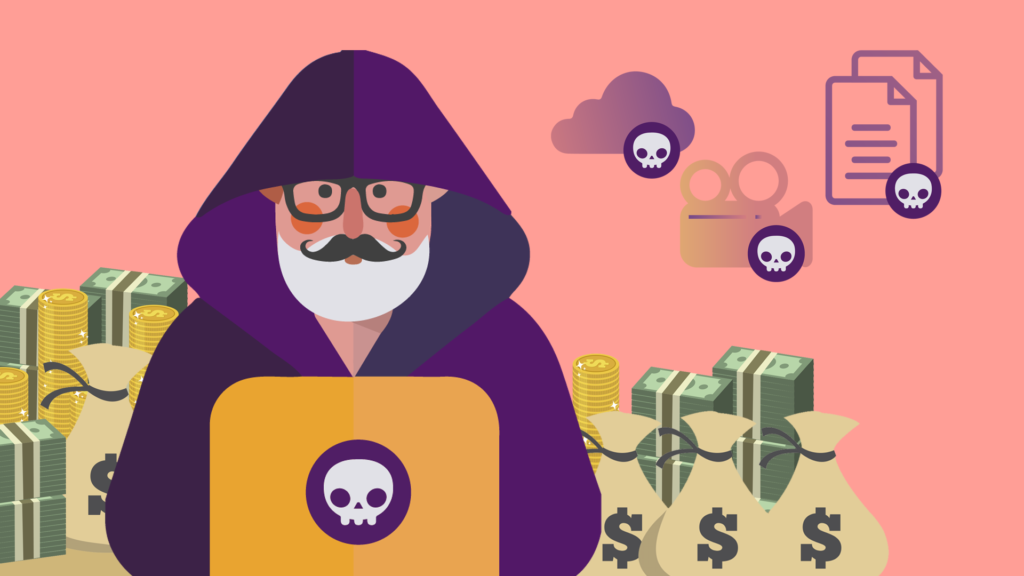
Have you ever heard about the Ransomware? Surely you have heard about them in your workplace and also how dangerous they can be. More than a computer technician can tremble only to hear the word, and no wonder, since it is considered one of the most dangerous malwares that exist today. Why? Here we explain it to you.

What is a Ransomware and how does it work?

It is a kind of digital hijacking with a type of malware that blocks users from accessing their system or files, and the only way to access them again is through a rescue requested by cybercriminals.                                                                                                        

This type of malicious software has existed since the 80s, and in its early days, they demanded rescues via postal mail, nowadays the payments work through cryptocurrencies or credit cards.

Their way of operating is usually through malicious spam, which can appear as advertising or email with infected attachments and often deceive users by posing as recognized institutions (for example the FBI) to click on their contents.

Once it arrives on the system, the ransomware contacts the central server to obtain the information it needs to activate, there it can block or encrypt the files, and thus indicate the rescue instructions.

Generally, cybercriminals threaten to erase information or raise the price of rescue if it is not paid in the estimated time. The ransomware can affect any type of operating system: Windows, Mac or Linux.

Types of Ransomware according to its complexity:

Scareware: Despite the fact it seems dangerous nevertheless it is less fearsome. It generally uses pop-up messages from “supposed” fake security programs or a false offer of technical support reporting that a malware has been “detected” and that the only way to get rid of it is to pay. If the payment is not made, it will continue to issue pop-up messages, however the files are not affected.

Screen blockers: In this case, the malware is more complex because it blocks the computer screen, preventing its use completely. The files are there but there is no way to access them, unless the computer is restored, which will lose all the information you have if there is no previous backup.

Encryption Ransomware: It is the most dangerous of all and, therefore, the most known, as it steals the files and the numbers, demanding a payment to re-decrypt and return them. By using encryption, it is impossible for a common security or restore software to return these files, unless the ransom is paid, which will not guarantee that the cybercriminal will return them.

Some prevention tips against Ransomware:

  1. Start by using (and updating) an antimalware, which includes firewalls.
  2. Update the system and all applications for any operating system, Mac, Windows or Linux.
  3. You can add a specific anti-ransom tool for this type of attack.
  4. Use antispam filters where these malwares usually arrive.
  5. There are applications that block the execution of some suspicious JavaScript code that could be harmful to the computer. If you install any, you can minimize the risk of infection through the web.
  6. Review the extensions of the files, to identify files that are passed by others (for example if you see a Word file with the extension .exe)
  7. Administrator accounts are the most sought after by hackers, they know they are those who have greater access to the system. That is why it is recommended to do daily tasks in other accounts and use administrator account only for system manipulations.
  8. Limit network access to sensitive files in terms of editing, share them so they can be read and give permission to edit only to those who need it.
  9. Make backups and save and keep the most sensitive information handly in secure applications such as Hushapp.

After the attack:

If, unfortunately, you were already a victim of a Ransomware, the first thing you should do is to keep calm, avoid as much as possible to pay, this will not ensure anything, and finally, follow these steps:

  • Disconnect the internet device quickly before the malware can access the server. Isolates the device from all the rest of the network.
  • Some large cybersecurity firms offer free solutions such as web pages and software to decipher ransomware and search for solutions to damages.
  • The idea is to call the relevant authorities so they can help.

Cyber attacks by Ransomware are increasingly sophisticated and can cause large losses to companies (and also to people). Therefore, it is important to take all necessary preventive measures to protect sensitive information of the company.

Filed Under: Cybersecurity Business Tagged With: ciberattack, hacker, hackers, HushApp, malicious software, malware, pishing, Ransonware, spam, virus

How to protect your privacy from spies in electronic devices

February 20, 2019 by HushApp Team

How to protect your privacy from spies in electronic devices

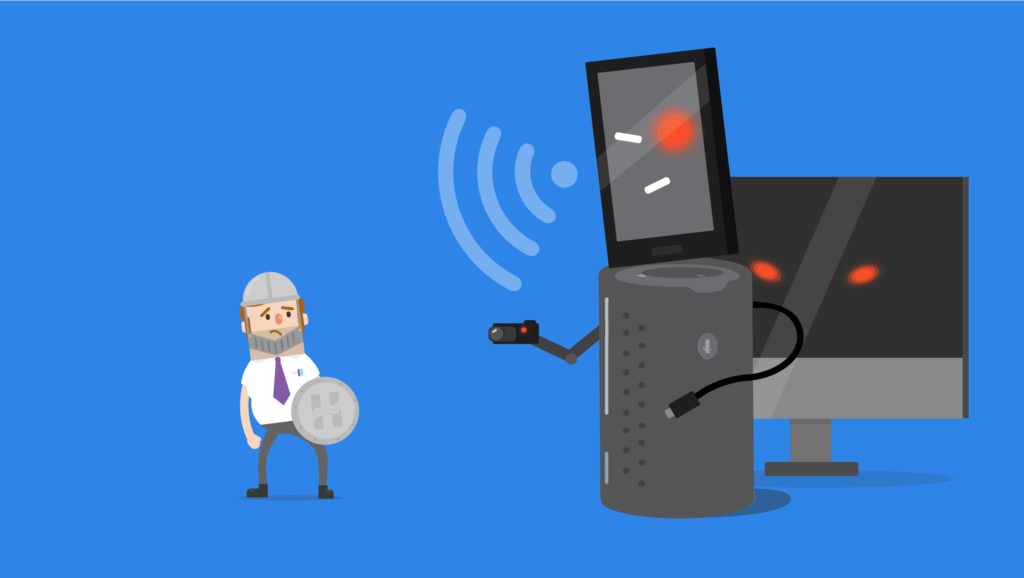
When we talk about spies you probably think about typical movie characters who take photos secretly from afar, but the reality is different. Spies can be very close to you, in your electronic devices which you use daily. The internet of things has come to solve many of our day-to-day activities, the problem is that any device connected to the Internet, no matter how harmless it may seem, can be an open window to access your information. So, how to protect your privacy from spies? protecting your information does not only have to do with installing an antivirus on your computer or mobile when even your smart refrigerator could also be vulnerable to a data leak.

It’s not just about protecting your information from potential hackers or cybercriminals, but from companies that want to obtain your data and then offer you products in a personalized way, without your consent.

Televisions, refrigerators, lamps, thermostats, voice assistants such as Alexa or Siri, and an endless number of appliances that need to be connected to the Internet, collect your personal information, use cameras or information from your home to work properly.

Tips to protect your privacy in technology and on the internet

  1. Let’s start with the basics: it is essential to read the terms and conditions of each service that we use, although they may seem long and incomprehensible, it is the only way to know what type of data the device collects and how it uses it.
  2. The most common victim of a spy is on mobile devices, through Spyware, but do not worry, there are always ways to control them, and here you can know how.
  3. If it is about spies, we can not leave out the ability of Google services to make you feel spied on. Here you can read how to control the access they have to your information and continue to use them.
  4. Generally, at home, we have a router to provide a connection to all the devices you have connected and which are in use. This means that if it is not well protected, this could be the first access to the information stored by ALL your devices. So the first device to protect your privacy is your router.
  5. The voice assistants are those that have caused more controversy, due to their powerful sensors and the capacity they have to listen and keep information since they are always in search of a command that orders some action. Therefore it is important to deactivate that constant listening and activate it only when necessary.
  6. The vast majority of these devices allow you to erase the data that you have been storing. In the case of Google, for example, your devices and applications have an activity page that allows you to delete them, as well as to register what interests you. That will make it possible for you to eliminate clues about your actions on these devices.
  7. Although we know that the only way that these devices are 100% secure and that they can not be accessed, is that they are disconnected from the Internet, but in this way, it does not make sense to use them. However, it is not necessary to connect every application the device has, all applications can be connected at the time of use, or only the applications or accessories needed or most used.
  8. You can add some of the firewalls created especially for the internet of things, these are small devices designed so that everyone who is connected can protect themselves from cyber attacks.
  9. Do not forget, of course, the need to protect our devices such as: mobiles, computers or tablets, which have a greater capacity to store data, either with their respective antivirus, using VPNs to connect or protecting your files in applications like HushApp that allow you to store and send your files easily and safely.

It is not necessary to go back to the past and reuse the old devices and home appliances to protect your privacy, there are ways to take advantage of the technology by using them in a responsible and safe way.

Filed Under: HushApp Tips Tagged With: cibersecurity, data protection, firewalls, hackers, privacy, spies, spyware, terms and conditions, voice assistants, VPN

7 basic tips to protect the banking data of a cyber attack

February 6, 2019 by HushApp Team

7 basic tips to protect the banking data of a cyber attack

Every day more companies join the different changes that digital transformation implies in their services, in order to provide greater comfort, usability and agility to their customers. However, digitalization leads to an increase in risks in terms of cyber attacks, which are growing by leaps and bounds and cover any business sector, especially the financial sector, since customer banking data is the most desired objective by hackers.

A common example is the mobile applications of the banks, the clients, without a doubt, prefer to carry out their transactions from their smartphones, for the speed and ease that it offers them. But if the necessary measures are not taken, this would be an open door for any cybercriminal to obtain information or money easily from the users and the banks.

Phishing, Ransomware, Malware, DDoS attacks and ATM attacks are terms that have become increasingly common in the financial world. This has forced security professionals to increase their efforts so that banking data remains protected and at the same time are easily accessible to users.

According to the Cisco Latin America blog, the main concerns of security professionals are: the use given to mobile devices (58%), sensitive data stored in public clouds (57%) and finally (57%) behavior of the user. It could be said, according to this data, that it will largely depend on the degree of awareness regarding cybersecurity that the user may have when handling sensitive information.

That is why education on issues of cybersecurity and privacy plays a fundamental role. Start with some tips or online security measures that can make a difference when making a bank transaction safely, and here we mention some.

How to protect your banking data from a cyber attack?

  1. Keep your computer’s operating system updated: starting with the basics is the first step in improving the security of your information, especially computers. One of the most common vulnerabilities that facilitates cyber attacks are outdated operating systems. The most likely to be affected can be: Microsoft Windows Vista SP2, Windows Server 2008 SP2 and R2 SP, Windows 7, Windows 8.1, Windows RT 8.1, Windows Server 2012 and R2, Windows 10 and Windows Server 2016. 
    Give HushApp a Try!
    BOOK A DEMO
  2. Avoid connecting to a network Public Wi-Fi: when it comes to banking data and transactions, it is preferable to avoid connecting with a public network at all costs, in case it is very necessary, here you can read some extra security measures.
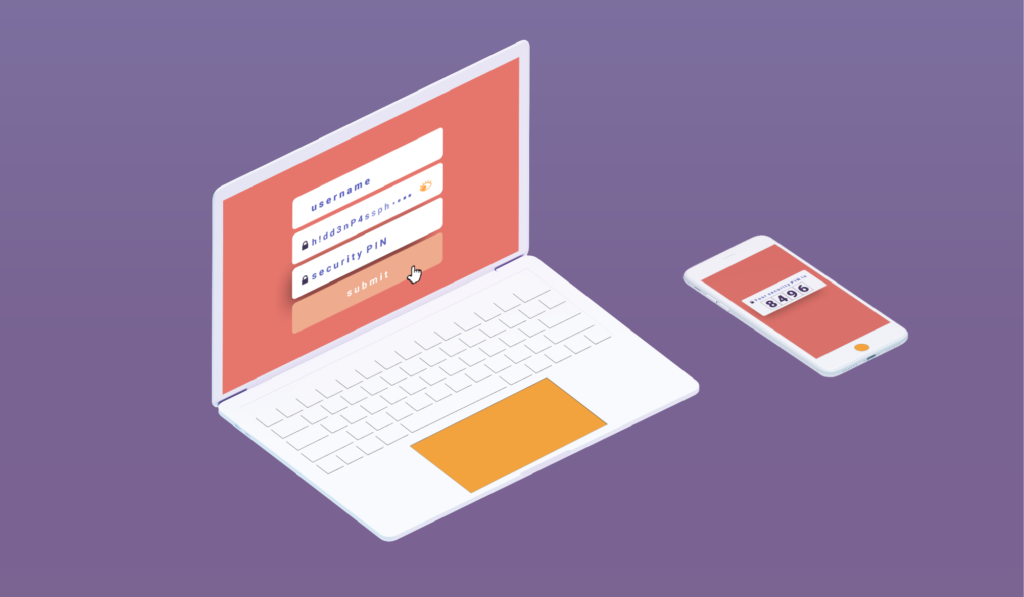
  3. Use Two-factor authentication: most banks have this service, it is important to take advantage of it, with this the bank will be able to verify if the account holder was connected or made any transaction, since it recognizes which devices are registered by the client.
  4. Disconnect or log out of the mobile or web application: if you are not going to continue using the account, it is preferable to disconnect or log out, from any of the devices you are using. A simple step that adds more difficulty to cybercriminals.
  5. Activate notifications by text message: it is advisable to activate notifications on the mobile to have up-to-date information on all transactions, and thus easily recognize any suspicious activity. You can also activate it (some banks already do it automatically) for notifications of high amounts.
  6. In case of being a victim of an attack like some ransomware, it is important to resist the impulse to pay the delinquents, since that will not ensure that the information is recovered. The most advisable thing is to call the relevant authorities so they can follow up on the case.
  7. Store banking data in secure applications: Data such as users, passwords, and other sensitive banking information can be stored in secure applications that allow you to keep your files encrypted.  With Hushapp you can save these types of files in the Hushbox of your mobile and they will remain safe, even if your device reaches inadequate hands, only you will have access to those files. You can also send them to whoever you want from the application and they will remain protected.

We invite you to learn more about Hushapp and how we can help you protect your important information.

Filed Under: Cybersecurity Business Tagged With: ATM attacks, banking data, DDoS attacks, digital transformation, encrypted files, financial sector, hackers, malware, phishing, public clouds, ransomware, two factor authentication

Hackers vs cybercriminals: Who they are and how to identify them

October 9, 2018 by HushApp Team

Hackers vs cybercriminals: Who they are and how to identify them

When we talk about hackers, many people imagine the typical image of a person (usually teenagers) hiding in a room behind a computer, typing indecipherable commands until getting ahold of any valuable information that seems impossible to access. The reality goes beyond this stereotype created by Hollywood, a hacker may be the person we least imagine and their motives can be different. Some hackers are not always focused on money. To determine the best defense to protect our information, it would be better to know who these people are and what motivates them to cause this type of damage.

The word “hacker” comes from the English word “hack” which means “to give an ax”. Originally, the term was used to describe the way technicians fix defective devices, but now, the word has evolved to acquire a negative connotation.

This connotation is clear that it is due to the serious damage that can occur to a person or a company, the main purpose for doing so varies.

Hackers vs cybercriminals

Adam Tyler, Innovation Director of the company CSID, explains that the profile of the current hacker is a young videogame aficionado, accustomed to Internet and social networks, who learns hacking as a personal challenge, the same way that they try to overcome a complicated video game.

This profile of hacker – which we already know – uses hacking for fun. Their motivation is not financial but a challenge to itself, rather achieving notoriety in its community. However when the game starts to be a business, then the rules change, or they skip.

As explained by Chema Alonso, CDO of Telefónica, “do not confuse a hacker with a cybercriminal, the second can enter systems with a purpose with a monetary objective or companies to steal information. Hackers, on the other hand, do it only out of passion and without the intention of doing harm. “

The profile of the hacker

Virtually anyone with access to the internet can learn to be a hacker. A survey conducted by a computer security company in Latin America, states that 76% of hackers are men whose ages are between 14 years (8%) to 50 (11%). The average age is 35 years (43%).

It is difficult to differentiate one from another, since many hackers end up being cybercriminals. Hackers are restless minds who are always looking for new ways to use technology. A poll of 127 hackers revealed that 51% of respondents said that their main motivation when launching cyber attacks is “the search for emotions”, while 18% point to economic benefits as a reason.

Another characteristic of cybercriminals is that they do not act alone, they can operate in large organizations around the world attacking approximately 600,000 times per day.

Cybercriminals carry out their attacks not only to obtain monetary gains and confidential information, but also to affect the reputation of the company and its brand. For example, interrupting digital services such as blocking access to emails or websites, among other types of attacks that affect the operating system of companies.

Types of cyber attacks

The type of cyber attack could determine the ideals or motives of the cybercriminal, the most common are:

Cybercrime: uses techniques such as phishing, steal the identity of people or companies to perform bank fraud, empty accounts, etc. This is generally for economic purposes.

Hacktivism: Is damaging pages of large companies or the government to make a protest. The objective of these cyber attacks is ideological and / or social. Most known within the hacktivists is the Anonymous organization.

Cyber ​​espionage: Compromises cybersecurity in companies. Since it deals with the theft of sensitive and valuable information, such as stealing private financial information from customers and employees, which then can be sold at very high prices on the black market.

Cyberterrorism: usually directed against governments or countries, affecting services such as health, defense, or infrastructure of great importance.

Types of hacker and how they operate

Each hacker has his way of operating. According to the actions he commits and the reasons he has, the most common classification is the following:

White Hat: The hero you who helps save you from cyber attackers, also known as “ethical hackers”, since they are people who work in computer security companies constantly looking for vulnerabilities to correct them.

Black Hat: This type of hacker is what we can define as a cybercriminal, he is the villain of the movie, they hack only for his personal interests. They use sophisticated techniques to access systems and steal data, destroy it or sell it on the black market.

Gray Hat: This person is a hybrid between the previous ones, because it is possible that he acts illegally but with good intentions. It can penetrate systems and disclose useful information to the general public, for example, accusing large companies of testing for the unauthorized collection of user data.

How do they choose their victims?

Hackers know who are the most vulnerable people for an attack. Their main targets are employees who have little knowledge about the proper use of computer systems. They also focus on hacking freelance workers, since typically these profiles consists of of people who have access to the systems of the company, but are not subject to corporate policies.

Why hack Social Networks?

Another favorite space for hackers are social networks. What do hackers look for in them? People using social media post photos, comments, new purchases etc. daily with family and friends. We are leaving information public to everyone, although it seems that it does not have importance, is of great value for cybercriminals. Since they can obtain a large amount of personal data and then use it in their favor.

Disseminate malwares sell our personal data, deceive users through phishing or other malicious actions that hackers can allow with all the information they get from our social networks.

How to recognize a cybercriminal in organizations

As we mentioned above, it is difficult to identify a hacker, because it could be the person you least expect. In spite of this, some characteristics could be taken into consideration in order to recognize a cybercriminal:

• A person with a high knowledge of computers and networks in general, such as, change of IP, use of Keylogger programs, use of unusual browsers, among others.
• People who take advantage of social spaces to ask about customer data and sensitive or restricted use information.
• They install spyware without authorization.
• Deactivate the antivirus software on the work equipment.
• They make use without authorization of computers or devices of the other members of the organization.
• Employees who work extra, beyond office hours without giving justification.

Although some features may be a bit exaggerated to justify the profile of a “possible” hacker, paying attention and getting to know the staff of the company does not hurt. The important thing is to ensure possible ways of where the attack may come.

Filed Under: Cybersecurity Business Tagged With: Black Hack, Cyber ​​espionage, cybercrime, cybercriminals, Grey hack, hack, hackers, Hacktivism, White Hat

What is Two-Factor Authentication and Why Should You Use it?

September 27, 2018 by HushApp Team

What is Two-Factor Authentication and Why Should You Use it?

Surely you have found more than one service that asks you to twice to confirm that you are really the one trying to access the content. This method is known as two-factor authentication, or multi-factor authentication because it is more than one test. Although this process may be a bit tedious, we will explain why it is necessary to apply it in each application that allows you to do so.

According to Wikipedia, ¨Multi-factor Authentication (AMF) is a method of computer access control in which a user is granted access to the system only after he or she presents two or more different proofs of who he claims to be, These tests can be a secondary password, digital certificate installed on the computer, among others.¨

The best known method is the two-factor authentication (A2F), which only requires two tests. Services that incorporate this identifying method into their system include ICloud or Gmail Outlook, cloud services such as Dropbox, OneDrive, iCloud PayPal, or social networks such as Facebook and Twitter.

Two-Factor Authentication and Two-Step Authentication

The basic authentication systems work with the typical user / password combination. The user that identifies you, and the password that authenticates who you say you are. However with the advancement of technology and cyber attacks, double authentication (or multiple factor) adds a more robust method to properly identify the user. For instance, a USB token, a coordinate card or even something more unique to authenticate the individual such as, a fingerprint, an iris, a voice or even the user´s  face.

It should not be confused with two-step authentication, since in this case two factors are used that add a second step to verify that you are who you say you are (such as when using a password and then a code that is sent by SMS or email). In the case of the A2F, different methods or tests are used that add on an additional layer of security.

Disadvantages:

Like any security system, it has its advantages and disadvantages, which must be considered when implementing. One of the disadvantages of double factor authentication is that if you misplace or lose your identifier, such as a token or coordinate card, then you will not be able to access the system. You will be forced to request it again.

Also in the case of two-step authentication, such as the one implemented by Google, a verification code is sent to an alternative device for the user to confirm in the case their email is locked out and to ensure that the user is legitimate. However, there is a risk that if this device is lost, the code can not be accessed.

How Secure is Two-Factor Authentication?

Although two-factor authentication has proven to be a breakthrough in terms of security, it still has its vulnerabilities. Recently the former hacker, now security consultant Kevin Mitnick explained that just by using a bit of social engineering, you can get sensitive data from a person.

Individuals must be diligent of the websites they are using even if they appear to be real. Investigating the website for any warning signs such as spelling issues in the domain. For example, Linkedln -with ‘ele’ lowercase instead of ‘capital letter’ is a red flag and could be a trick played by a hacker to get you to fill in your personal information. This would allow them in the future to be able to skip the two-factor authentication and gain access to any of your accounts. Therefore it is important to suspect any change, even the smallest, since it could be a fraud.

Adding two-factor authentication will not ensure 100% protection of your information, but it will reduce the chances of a cyber attack and make it much more difficult for the hacker. However, it depends on each person to implement it in all possible services. It does not hurt to have an additional layer of security to avoid any type of incident.

Filed Under: Cybersecurity Business Tagged With: 2FA, cyber attack, hackers, MFA, Multi-factor Authentication, social media, two factor authentication, Two-Step Authentication

Why use a passphrase instead of a password?

July 19, 2018 by HushApp Team Leave a Comment

Why use a passphrase instead of a password?

As technology changes and advances, so do cybercriminals. That is why every day sites on the internet, softwares and applications are required to ask users to strengthen their passwords. This is because, users continuously make the same mistakes, using a password that hackers can easily discover.

According to Google’s global data, 68% of people use the same password for different accounts, only 46% change it at least once a year, and 91% use a password that is in the top 1000 most common passwords in the world. This goes to show that we still do not know the magic formula to remember a strong and unique password.

Remembering all of our different passwords is growing more difficult: increased length, numbers, capital letters, lowercase letters, and symbols make it difficult to not make mistakes, or forget. Thankfully, there is a better option: how about we use a passphrase?

Passphrase: what you need to know

A passphrase is nothing more than a phrase that works like a password. It is commonly used in the encryption of access to some software or other electronic systems. Unlike the password, they are much easier to remember.

Not all applications or software have this feature, but you can choose this option if the service allows it, especially when you need to protect the content of the information you want to share. The rest of this article will be dedicated to offering some simple tips that will help you  build a safe and easy to remember passphrase.

Like passwords, passphrases must have a certain level of complexity, or at least creativity, something that makes it unique and that only you will remember. Although this principle is repeated when you create a password, in the case of a phrase it may make more sense than a set of symbols, numbers and letters. Therefore, avoid using familiar phrases such as excerpts from songs, books or popular culture.

Do not repeat the phrase, remember that a password is like a key, you do not use it to open the same room. With the passphrase it will work the same, use a different phrase for different services.

Also, do not share the method you used to create it, it may be a clue you give to hackers to guess your phrase.

HushApp: Passphrases to send your files easily and safely

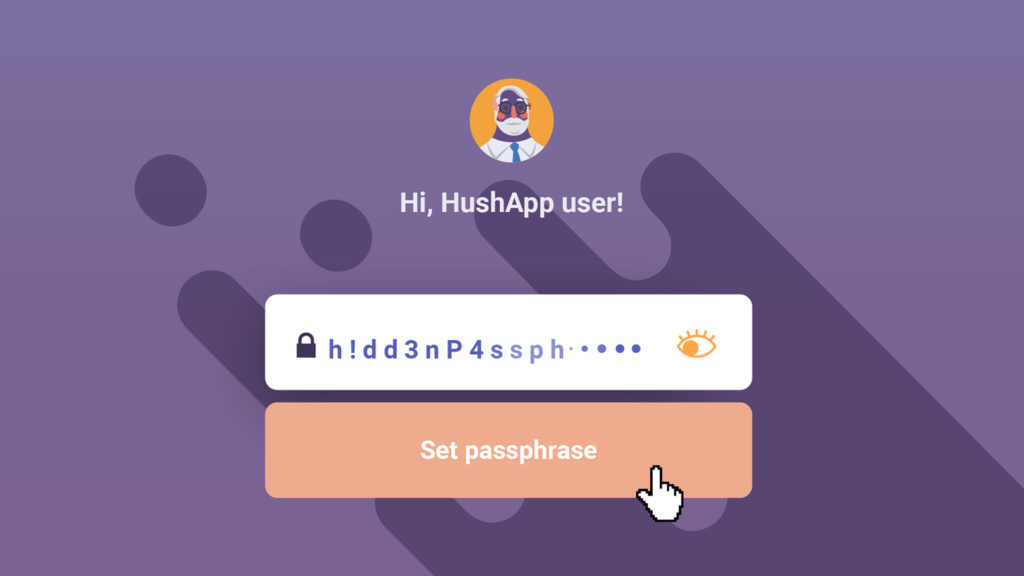
Now that you know you have this option, you will wonder where you can use it. In HushApp the passphrase has a leading role to protect your privacy. Here you can encrypt your files and store them in in your Hushbox. You will only be able to access your files using the passphrase you have selected.

Start using HushApp today.
SIGN UP

You can also send your files to contacts you have selected, whether they use the application or not. In case you do not use it, you will also create a passphrase especially for them and send it to the recipient by other means. This way, you make sure that your information is completely secure.

Passwords have a vital function within the scope of cybersecurity, choosing the right one is crucial when stopping our information from falling into the wrong hands. The passphrase is an option to further improve the security and protection of your data, provided you give it the appropriate use.

Filed Under: HushApp News Tagged With: cyber attack, cybercriminals, hackers, HushApp, Passphrases, password

logo HushApp made in EU

HushApp allows to protect and send files safely without complications, in any platform. Sign up for HushApp and enjoy the peace of mind of end-to-end encryption.


Product
Features Pricing Android App iOS App coming soon Web App
Users
Book a demo FAQ Guide Support
Business
Hush for Business GDPR Use cases
About
About us Jobs Terms of Use Privacy Policy Legal
This website uses cookies to improve your experience. We'll assume you're ok with this, but you can opt-out if you wish.Accept Read More
Privacy & Cookies Policy
Necessary Always Enabled