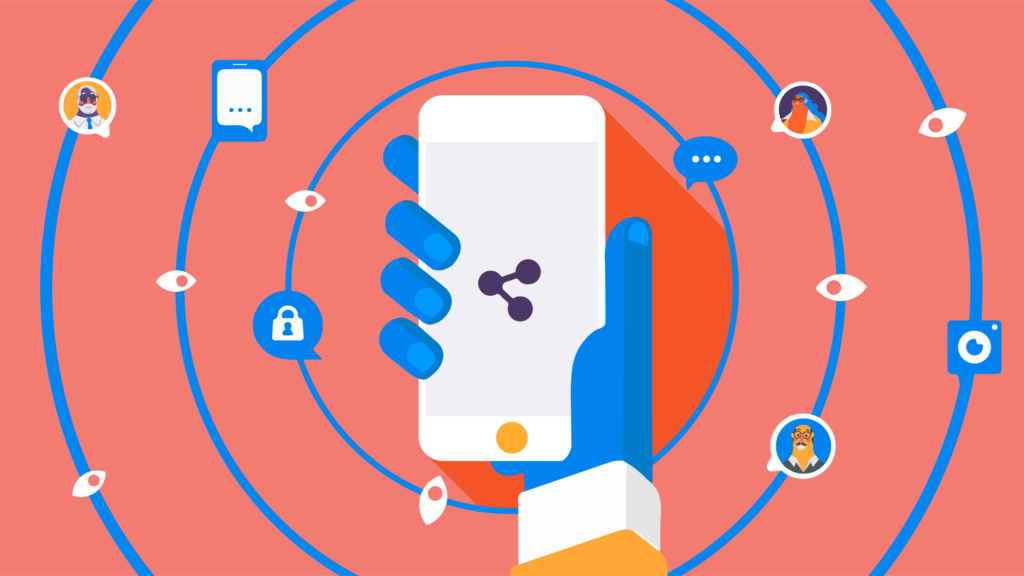
Social media has transformed the way people communicate. Each of them generates more and more accounts every day, for its immediacy, its ease of use and other characteristics that as we all know, make us addicted to them. Companies know that social media is an indispensable channel to reach customers. The problem is that hackers find it easy to get your information if you do not take the appropriate measures of cybersecurity for your social media.
Social media sites are nearly completely public, once you post something it is permanent. In the business world, everything exposed in social media must be handled carefully, a couple of words in a tweet could cause serious negative impact on the reputation or even the finances of the company.
A careless community manager of a company can be responsible for writing a post without thinking or reading it before giving away private information, a disloyal competitor who wants to end their reputation or even a malicious computer criminal who pretends to supplant them, trying to cheat their followers using to their name.
It is not about blaming anyone, it is better to prevent this type of situation than have to deal with it afterwards. It is crucial to start with some basic ideas that can reinforce the protection of your social media.
5 tips of Cybersecurity for business social media
-
Add two-factor authentication to your social media, do not stay with a single password, you can increase security by using a
second option with a personal question or by sending a password to a mobile device that you have linked to your social media account. You can also use it for your personal networks.
- Assign devices to management business social media: just like the two factor authentication, manage corporate networks from devices only destined to corporate accounts.
- Configure the privacy options of each network: each one allows you to decide what you want to show and what not.
- Control who has access to social media: The more people who have access to the company social media, the risk becomes greater, assigns administrators and controls their permissions and access, especially if this work is carried by an external person to the company. In the case of Facebook, you can assign different roles, be sure to eliminate access to former employees or former account administrators.
- The fundamental idea of business social media is to promote a product or service of your company, and thus have a closer contact with your customers. If you plan your marketing strategy well, surely you will have quite effective results, but do not forget cybersecurity. If you create a social media campaign, make sure that this information (arts, texts, special promotions, etc.) does not reach unwanted people before the time you decided to publish. Use applications such as HushApp, which will allow you to protect your files easier and safely, so that your campaign will be a success.
There is no doubt that social media has become an essential tool for companies, especially SMEs, but they are also a key focus for cybercriminals, the ideal is to use them responsibly to ensure the success of the company in the digital world.