• Skip to content
logo logo
  • Blog
Login SIGNUP

two factor authentication

10 Cybersecurity measures to use Instagram safely without compromising your privacy

May 17, 2019 by HushApp Team

10 Cybersecurity measures to use Instagram safely without compromising your privacy

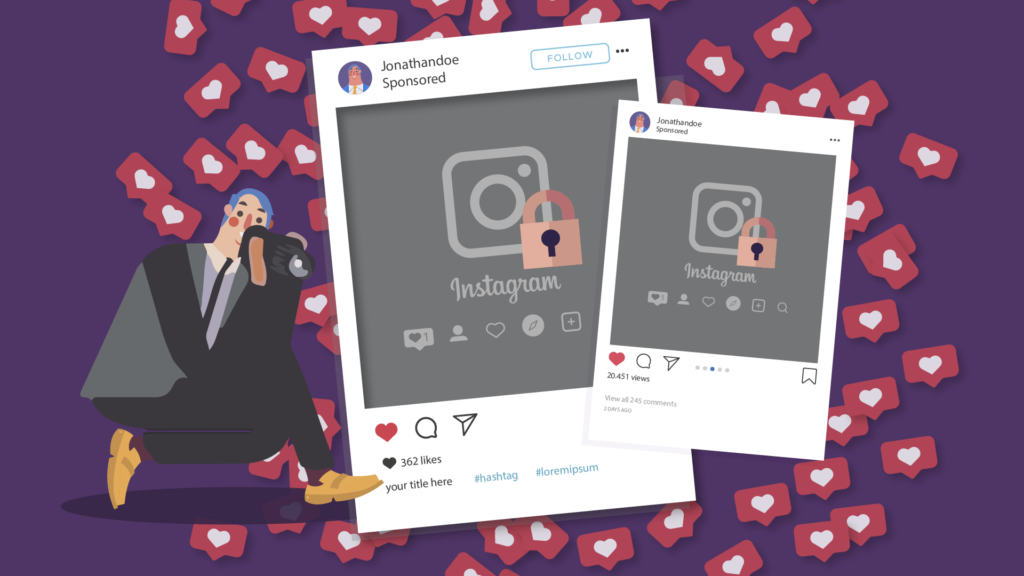
Recently we discussed the influence that social media have on our daily lives, particularly on Facebook. Instagram is a social media that has become increasingly popular, and the more popular it becomes, the more security risks we have when using it. Therefore, before starting to publish your favorite photos of your trips and your favorite dishes, take into account some security measures to use Instagram safely.

Instagram is undoubtedly the social media preferred by young people today, for the large amount of visual content that is published, as well as the immediacy of their publications, especially on the Stories. However, it does not stop being a focus of attention for hackers if it is not used correctly.

How could the misuse of an Instagram account affect your security? Small details such as simply having an open account, or connecting from a public Wi-Fi can bring you serious consequences, such as being a victim of fraud or data leakage.

Therefore, it is better to take security measures, from the most basic to some specific settings of the application.

How to use Instagram safely?

  1. If you do not have an Instagram yet and you are thinking about having it on your mobile, the first thing you should do is to download it from the official stores (Play Store, Apple Store, etc). Avoid downloading it from another site.
  2. After having your account, or if you already have it, the basic rule to use Instagram safely is to use the private account mode, so only those who want you choose can access you. If you want to leave it public because you want to promote it, make sure you do not publish any personal information that could compromise your security such as travel photos where you and/or your relatives appear, photos of children, etc.
  3. As in other social media (and in real life), if your account is personal and not for any promotional purpose, just accept to be followed by people you know, remember there are false accounts. In the same way, these false accounts will try to write you by direct messages to try to connect with you, if you do not recognize them, you can reject the request and they won’t be able to contact you.
  4. This privacy option is also available for Stories, Instagram allows you to create a group called “Close friends”, with that option you can select who of your followers will be able to see your Stories.
  5. We have repeated many times how dangerous it can be to connect to a public Wi-Fi without taking the appropriate security measures. Avoid doing it this way, since this is the easiest way for hackers to steal your user and password and access your account.
  6. It is important to be careful with third-party apps, if you want to know is a third-party app is reliable, you should consider some important details, for example: when you register with third-party app, it must show you a URL like this “https://instagram.com/, as well as show you the typical Instagram form to enter username and password (it must be the same as the login of the original app). Do not enter anything if you do not comply with these conditions.
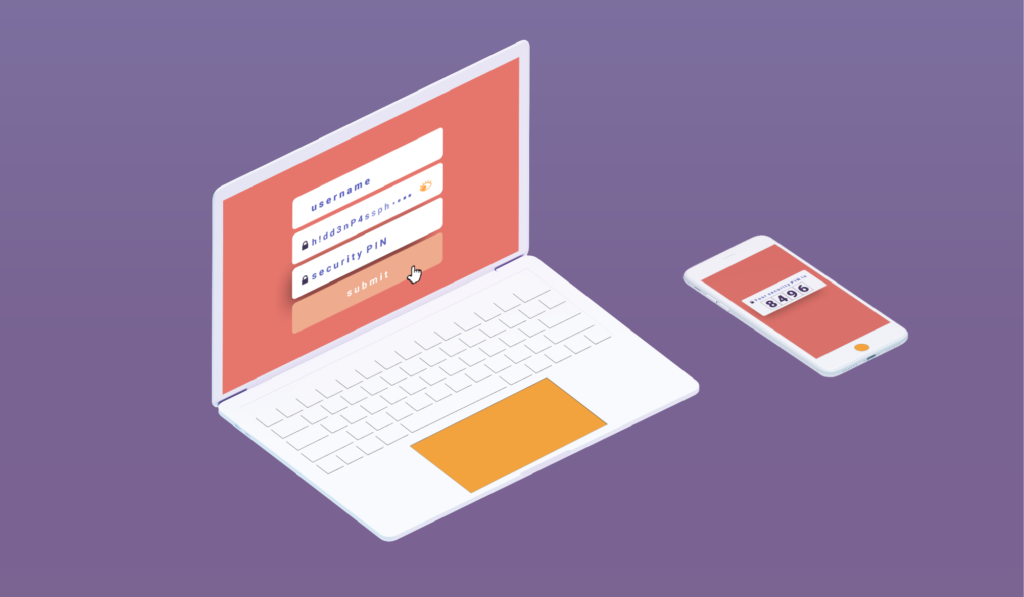
  7. To add more security and using your Instagram safely, activate two-factor authentication, so every time you log in your account, you must enter in addition to your username and password, a code that will be sent to your mobile.
  8. Check the information of doubtful accounts: one of the security options that Instagram has recently added is to be able to review information about accounts with very large audiences (not necessarily public brands or personalities). When entering the profile of these accounts you just have to click on the three points that are in the upper right corner, and there you can click on “About this Account” and access to this information.

This option is not available for all accounts, but those that do have it allow you to verify things like the country (which can help you know if it shows a false location in their posts) date joined, or former usernames.

  1. The blue checkmark is also a way of knowing that the account is verified and that it is indeed the personality or brand they claim to be.
  2. If, on the other hand, you would like to verify an account, you must send a request through Instagram, but take into account that sending the request will not guarantee that it will be verified. After your application has been reviewed, you will receive a confirmation or rejection notification in the notifications tab. Instagram will never request payment for verification or contact you in any way for you to confirm it.

If you still have doubts it is always good to consult the Instagram help center. The important thing is to know the risks to which you are exposed to using this network and how to use it responsibly to enjoy its advantages.
Filed Under: HushApp Tips Tagged With: cybersecurity, Facebook, Instagram, Instagram safely, privacy, social media, two factor authentication

9 tips to use Facebook safely and not compromise your privacy

April 3, 2019 by HushApp Team

9 tips to use Facebook safely and not compromise your privacy

Social media has changed the way we communicate today, but it is still controversial as far as user safety is concerned. Facebook is the best example, not only because of the immense number of users it has but also because of the conflicts that the company has experienced recently, which leaves the level of privacy of its users in question. Despite this, some are reluctant to leave the popular network, since it has become an essential way of communication for them. Therefore, the question arises: Is it possible to use Facebook safely without compromising privacy?

These questions are also raised by the imminent need of parents to protect their children, who are regular users of the popular network. However, cyber attacks become more advanced each day and anyone can be the victim of cybercrime through social media: fake news, phishing and other types of fraud frequently occur, and even the most cautious user, can fall into one of them.

It’s time to sharpen your eyesight and go one step ahead of cyber attackers, you can continue to use Facebook safely, by following some simple steps:

How to use Facebook safely? From the basic to the most advanced configurations:

1) Do not accept friend requests from strangers: The first step is to control those who have access to what you publish, therefore, by common sense, it is better to only accept people you know. It is important that parents educate children and make sure that young people do not accept requests from strangers.

2) Set up your profile so that only your friends can see your publications, you can even select specific people to see or not each publication.

3) Avoid publishing information related to your location. Some people use geolocation to show where they are on vacation for example, in any case, if you want to do so, add the photos after returning home, when you are no longer in the place you show.

4) Do not post your phone number, address, names of children or pets, this can be an easy clue for cybercriminals to guess your passwords.

5) Control who can connect with you: If you enter the section “Settings” and then “privacy”, you can control who can connect with you. There you will have several options that you can define in terms of who can see your activity and how they can contact you, for example: you have the option to receive friend requests from everyone or just friends of friends. Previously, Facebook had a “preview” option to know how your profile looked for other users. However, the same platform announced this function is disabled, due to a security incident with this tool.

6) Check the permissions of the apps and websites: In this section, you can see and control the applications and websites that you have connected to your Facebook page. You can see which ones are allowed, delete those that you do not want to use or deactivate the platform completely. If you click on each of them, you can see what kind of information that application or website accesses.

7) Report offensive content: this option is present in many sections of Facebook and serve to allow users to report offensive content, usually just look for the drop-down of the determined section and look for the option “Give Feedback”, then, a member of the Facebook security team will investigate and evaluate if it is appropriate to remove the content of the site.

8) Review in detail the section “Security and Login”: Facebook has added more layers of security to its users, especially to protect the login and prevent potential identity theft. It is important to review the available options periodically. If you go to configuration and then “Security and Login” there are different sections that are interesting and we recommend you to activate:

  • Check from Where You’re Logged In: in this section, you can see all the devices that have been connected, where and when they were connected, that will allow you to identify any suspicious activity in your account.
  • In any case, Facebook will also notify you if there is an unusual activity, such as a connection on an unusual computer. In the section “Get alerts about unrecognized logins” you can determine how you want to activate that notification.
  • You can also add two-factor authentication, either with a login code, through SMS or an authentication application of your choice.

9) Add encryption to Facebook notifications: One of the most advanced and interesting Facebook options is the encrypted notification emails. If you have them activated, you can use PGP encryption to protect these messages from possible intruders.

What can this serve you for? An example could be that for any reason you lost your password and you need to resort to the password recovery mail, with this functionality you would be ensuring that only you can read that email.

A more advanced feature that will require you to understand the encryption topic a bit more. If you succeed, you can enjoy your Facebook safely.

On the web the risks are everywhere, therefore the important thing is to improve our experience, to know the risks and advantages of each application that we use and the sites we visit.

Filed Under: HushApp News, Sin categorizar Tagged With: cyber attack, cyber attackers, cybersecurity, encryption, Facebook, hacker, hackers, phishing, two factor authentication

7 basic tips to protect the banking data of a cyber attack

February 6, 2019 by HushApp Team

7 basic tips to protect the banking data of a cyber attack

Every day more companies join the different changes that digital transformation implies in their services, in order to provide greater comfort, usability and agility to their customers. However, digitalization leads to an increase in risks in terms of cyber attacks, which are growing by leaps and bounds and cover any business sector, especially the financial sector, since customer banking data is the most desired objective by hackers.

A common example is the mobile applications of the banks, the clients, without a doubt, prefer to carry out their transactions from their smartphones, for the speed and ease that it offers them. But if the necessary measures are not taken, this would be an open door for any cybercriminal to obtain information or money easily from the users and the banks.

Phishing, Ransomware, Malware, DDoS attacks and ATM attacks are terms that have become increasingly common in the financial world. This has forced security professionals to increase their efforts so that banking data remains protected and at the same time are easily accessible to users.

According to the Cisco Latin America blog, the main concerns of security professionals are: the use given to mobile devices (58%), sensitive data stored in public clouds (57%) and finally (57%) behavior of the user. It could be said, according to this data, that it will largely depend on the degree of awareness regarding cybersecurity that the user may have when handling sensitive information.

That is why education on issues of cybersecurity and privacy plays a fundamental role. Start with some tips or online security measures that can make a difference when making a bank transaction safely, and here we mention some.

How to protect your banking data from a cyber attack?

  1. Keep your computer’s operating system updated: starting with the basics is the first step in improving the security of your information, especially computers. One of the most common vulnerabilities that facilitates cyber attacks are outdated operating systems. The most likely to be affected can be: Microsoft Windows Vista SP2, Windows Server 2008 SP2 and R2 SP, Windows 7, Windows 8.1, Windows RT 8.1, Windows Server 2012 and R2, Windows 10 and Windows Server 2016. 
    Give HushApp a Try!
    BOOK A DEMO
  2. Avoid connecting to a network Public Wi-Fi: when it comes to banking data and transactions, it is preferable to avoid connecting with a public network at all costs, in case it is very necessary, here you can read some extra security measures.
  3. Use Two-factor authentication: most banks have this service, it is important to take advantage of it, with this the bank will be able to verify if the account holder was connected or made any transaction, since it recognizes which devices are registered by the client.
  4. Disconnect or log out of the mobile or web application: if you are not going to continue using the account, it is preferable to disconnect or log out, from any of the devices you are using. A simple step that adds more difficulty to cybercriminals.
  5. Activate notifications by text message: it is advisable to activate notifications on the mobile to have up-to-date information on all transactions, and thus easily recognize any suspicious activity. You can also activate it (some banks already do it automatically) for notifications of high amounts.
  6. In case of being a victim of an attack like some ransomware, it is important to resist the impulse to pay the delinquents, since that will not ensure that the information is recovered. The most advisable thing is to call the relevant authorities so they can follow up on the case.
  7. Store banking data in secure applications: Data such as users, passwords, and other sensitive banking information can be stored in secure applications that allow you to keep your files encrypted.  With Hushapp you can save these types of files in the Hushbox of your mobile and they will remain safe, even if your device reaches inadequate hands, only you will have access to those files. You can also send them to whoever you want from the application and they will remain protected.

We invite you to learn more about Hushapp and how we can help you protect your important information.

Filed Under: Cybersecurity Business Tagged With: ATM attacks, banking data, DDoS attacks, digital transformation, encrypted files, financial sector, hackers, malware, phishing, public clouds, ransomware, two factor authentication

What is Two-Factor Authentication and Why Should You Use it?

September 27, 2018 by HushApp Team

What is Two-Factor Authentication and Why Should You Use it?

Surely you have found more than one service that asks you to twice to confirm that you are really the one trying to access the content. This method is known as two-factor authentication, or multi-factor authentication because it is more than one test. Although this process may be a bit tedious, we will explain why it is necessary to apply it in each application that allows you to do so.

According to Wikipedia, ¨Multi-factor Authentication (AMF) is a method of computer access control in which a user is granted access to the system only after he or she presents two or more different proofs of who he claims to be, These tests can be a secondary password, digital certificate installed on the computer, among others.¨

The best known method is the two-factor authentication (A2F), which only requires two tests. Services that incorporate this identifying method into their system include ICloud or Gmail Outlook, cloud services such as Dropbox, OneDrive, iCloud PayPal, or social networks such as Facebook and Twitter.

Two-Factor Authentication and Two-Step Authentication

The basic authentication systems work with the typical user / password combination. The user that identifies you, and the password that authenticates who you say you are. However with the advancement of technology and cyber attacks, double authentication (or multiple factor) adds a more robust method to properly identify the user. For instance, a USB token, a coordinate card or even something more unique to authenticate the individual such as, a fingerprint, an iris, a voice or even the user´s  face.

It should not be confused with two-step authentication, since in this case two factors are used that add a second step to verify that you are who you say you are (such as when using a password and then a code that is sent by SMS or email). In the case of the A2F, different methods or tests are used that add on an additional layer of security.

Disadvantages:

Like any security system, it has its advantages and disadvantages, which must be considered when implementing. One of the disadvantages of double factor authentication is that if you misplace or lose your identifier, such as a token or coordinate card, then you will not be able to access the system. You will be forced to request it again.

Also in the case of two-step authentication, such as the one implemented by Google, a verification code is sent to an alternative device for the user to confirm in the case their email is locked out and to ensure that the user is legitimate. However, there is a risk that if this device is lost, the code can not be accessed.

How Secure is Two-Factor Authentication?

Although two-factor authentication has proven to be a breakthrough in terms of security, it still has its vulnerabilities. Recently the former hacker, now security consultant Kevin Mitnick explained that just by using a bit of social engineering, you can get sensitive data from a person.

Individuals must be diligent of the websites they are using even if they appear to be real. Investigating the website for any warning signs such as spelling issues in the domain. For example, Linkedln -with ‘ele’ lowercase instead of ‘capital letter’ is a red flag and could be a trick played by a hacker to get you to fill in your personal information. This would allow them in the future to be able to skip the two-factor authentication and gain access to any of your accounts. Therefore it is important to suspect any change, even the smallest, since it could be a fraud.

Adding two-factor authentication will not ensure 100% protection of your information, but it will reduce the chances of a cyber attack and make it much more difficult for the hacker. However, it depends on each person to implement it in all possible services. It does not hurt to have an additional layer of security to avoid any type of incident.

Filed Under: Cybersecurity Business Tagged With: 2FA, cyber attack, hackers, MFA, Multi-factor Authentication, social media, two factor authentication, Two-Step Authentication

5 Cybersecurity tips you need to manage your business social media

August 9, 2018 by HushApp Team

5 Cybersecurity tips you need to manage your business social media

Social media has transformed the way people communicate. Each of them generates more and more accounts every day, for its immediacy, its ease of use and other characteristics that as we all know, make us addicted to them. Companies know that social media is an indispensable channel to reach customers. The problem is that hackers find it easy to get your information if you do not take the appropriate measures of cybersecurity for your social media.

Social media sites are nearly completely public, once you post something it is permanent. In the business world, everything exposed in social media must be handled carefully, a couple of words in a tweet could cause serious negative impact on the reputation or even the finances of the company.

A careless community manager of a company can be responsible for writing a post without thinking or reading it before giving away private information, a disloyal competitor who wants to end their reputation or even a malicious computer criminal who pretends to supplant them, trying to cheat their followers using to their name.

It is not about blaming anyone, it is better to prevent this type of situation than have to deal with it afterwards. It is crucial to start with some basic ideas that can reinforce the protection of your social media.

5 tips of Cybersecurity for business social media

  1. Add two-factor authentication to your social media, do not stay with a single password, you can increase security by using a
    Start using HushApp today.
    SIGN UP
    second option with a personal question or by sending a password to a mobile device that you have linked to your social media account. You can also use it for your personal networks.
  2. Assign devices to management business social media: just like the two factor authentication, manage corporate networks from devices only destined to corporate accounts.
  3. Configure the privacy options of each network: each one allows you to decide what you want to show and what not.
  4. Control who has access to social media: The more people who have access to the company social media, the risk becomes greater, assigns administrators and controls their permissions and access, especially if this work is carried by an external person to the company. In the case of Facebook, you can assign different roles, be sure to eliminate access to former employees or former account administrators.
  5. The fundamental idea of business social media is to promote a product or service of your company, and thus have a closer contact with your customers. If you plan your marketing strategy well, surely you will have quite effective results, but do not forget cybersecurity. If you create a social media campaign, make sure that this information (arts, texts, special promotions, etc.) does not reach unwanted people before the time you decided to publish. Use applications such as HushApp, which will allow you to protect your files easier and safely, so that your campaign will be a success.

There is no doubt that social media has become an essential tool for companies, especially SMEs, but they are also a key focus for cybercriminals, the ideal is to use them responsibly to ensure the success of the company in the digital world.

Filed Under: Cybersecurity Business Tagged With: business social media, cybersecurity, HushApp, marketing strategy, privacy options, social media, two factor authentication

logo HushApp made in EU

HushApp allows to protect and send files safely without complications, in any platform. Sign up for HushApp and enjoy the peace of mind of end-to-end encryption.


Product
Features Pricing Android App iOS App coming soon Web App
Users
Book a demo FAQ Guide Support
Business
Hush for Business GDPR Use cases
About
About us Jobs Terms of Use Privacy Policy Legal
This website uses cookies to improve your experience. We'll assume you're ok with this, but you can opt-out if you wish.Accept Read More
Privacy & Cookies Policy
Necessary Always Enabled