• Skip to content
logo logo
  • Blog
Login SIGNUP

virus

Ransomware: What your company needs to know to prevent and combat them

March 22, 2019 by HushApp Team

Ransomware: What your company needs to know to prevent and combat them

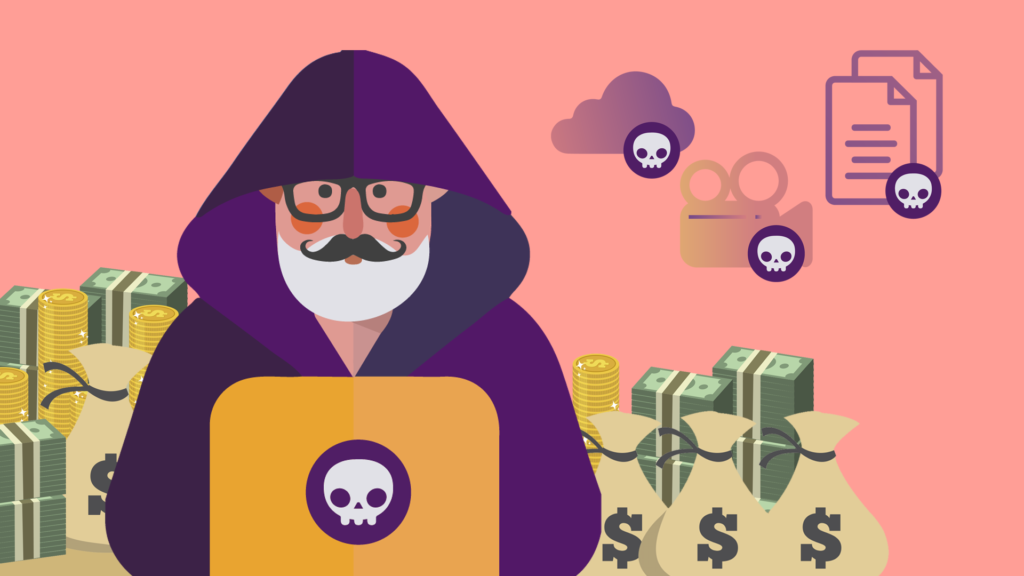
Have you ever heard about the Ransomware? Surely you have heard about them in your workplace and also how dangerous they can be. More than a computer technician can tremble only to hear the word, and no wonder, since it is considered one of the most dangerous malwares that exist today. Why? Here we explain it to you.

What is a Ransomware and how does it work?

It is a kind of digital hijacking with a type of malware that blocks users from accessing their system or files, and the only way to access them again is through a rescue requested by cybercriminals.                                                                                                        

This type of malicious software has existed since the 80s, and in its early days, they demanded rescues via postal mail, nowadays the payments work through cryptocurrencies or credit cards.

Their way of operating is usually through malicious spam, which can appear as advertising or email with infected attachments and often deceive users by posing as recognized institutions (for example the FBI) to click on their contents.

Once it arrives on the system, the ransomware contacts the central server to obtain the information it needs to activate, there it can block or encrypt the files, and thus indicate the rescue instructions.

Generally, cybercriminals threaten to erase information or raise the price of rescue if it is not paid in the estimated time. The ransomware can affect any type of operating system: Windows, Mac or Linux.

Types of Ransomware according to its complexity:

Scareware: Despite the fact it seems dangerous nevertheless it is less fearsome. It generally uses pop-up messages from “supposed” fake security programs or a false offer of technical support reporting that a malware has been “detected” and that the only way to get rid of it is to pay. If the payment is not made, it will continue to issue pop-up messages, however the files are not affected.

Screen blockers: In this case, the malware is more complex because it blocks the computer screen, preventing its use completely. The files are there but there is no way to access them, unless the computer is restored, which will lose all the information you have if there is no previous backup.

Encryption Ransomware: It is the most dangerous of all and, therefore, the most known, as it steals the files and the numbers, demanding a payment to re-decrypt and return them. By using encryption, it is impossible for a common security or restore software to return these files, unless the ransom is paid, which will not guarantee that the cybercriminal will return them.

Some prevention tips against Ransomware:

  1. Start by using (and updating) an antimalware, which includes firewalls.
  2. Update the system and all applications for any operating system, Mac, Windows or Linux.
  3. You can add a specific anti-ransom tool for this type of attack.
  4. Use antispam filters where these malwares usually arrive.
  5. There are applications that block the execution of some suspicious JavaScript code that could be harmful to the computer. If you install any, you can minimize the risk of infection through the web.
  6. Review the extensions of the files, to identify files that are passed by others (for example if you see a Word file with the extension .exe)
  7. Administrator accounts are the most sought after by hackers, they know they are those who have greater access to the system. That is why it is recommended to do daily tasks in other accounts and use administrator account only for system manipulations.
  8. Limit network access to sensitive files in terms of editing, share them so they can be read and give permission to edit only to those who need it.
  9. Make backups and save and keep the most sensitive information handly in secure applications such as Hushapp.

After the attack:

If, unfortunately, you were already a victim of a Ransomware, the first thing you should do is to keep calm, avoid as much as possible to pay, this will not ensure anything, and finally, follow these steps:

  • Disconnect the internet device quickly before the malware can access the server. Isolates the device from all the rest of the network.
  • Some large cybersecurity firms offer free solutions such as web pages and software to decipher ransomware and search for solutions to damages.
  • The idea is to call the relevant authorities so they can help.

Cyber attacks by Ransomware are increasingly sophisticated and can cause large losses to companies (and also to people). Therefore, it is important to take all necessary preventive measures to protect sensitive information of the company.
Filed Under: Cybersecurity Business Tagged With: ciberattack, hacker, hackers, HushApp, malicious software, malware, pishing, Ransonware, spam, virus

10 tips to ensure your web page of possible cyber attacks

December 11, 2018 by HushApp Team

10 tips to ensure your web page of possible cyber attacks

A web page is not complete if you do not add the necessary security levels. According to Hootsuite, 82% of users immediately leave a page if they feel unprotected when visiting a website. Therefore, it is useless to have a nice and easy to use website if it is an easy target for hackers who can carry out possible cyber attacks.  

The cybercriminals have a wide range of tools that they can use to attack you through your web page. The most severe dangers that you may encounter will be the access of sensitive data that is exchanged on your website, a virus or malware, or even send emails from your accounts using your identity.

Another important point to consider is that major search engines such as Google have increased the penalties for unsafe websites, therefore your website would have less exposure to searches due to lacking the appropriate security for your website. There are some fundamental measures to ensure your website is safe from possible cyber attacks. The following are some ways to protect yourself and help safeguard from a potential attack.

How to secure my website of possible cyber attacks?

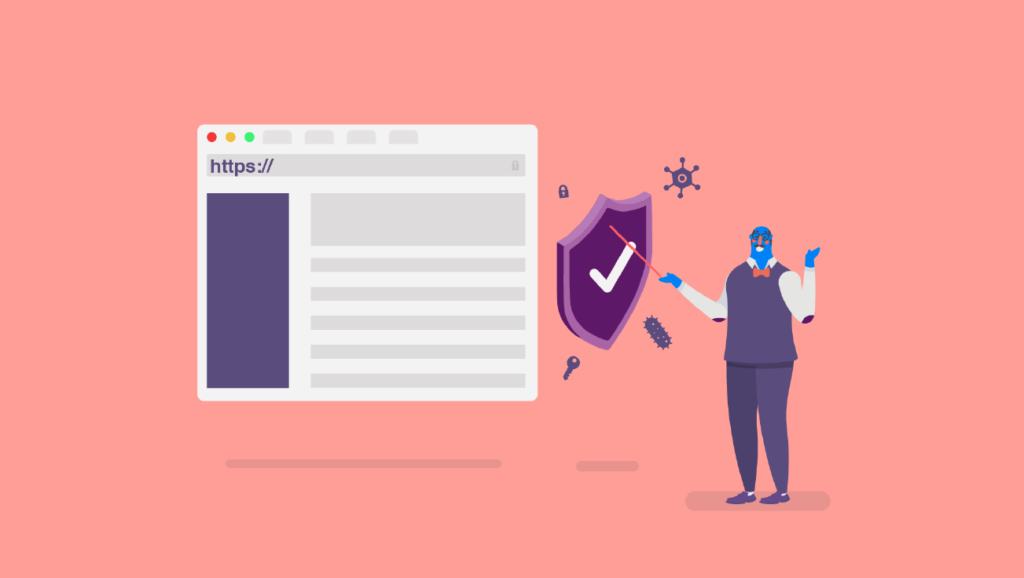
  1. Add HTTPS security with an SSL certificate: The basic rule of how to know if a site is safe or not is to check if the beginning of the URL is “https”. Websites that have this have a padlock, and for this you need an SSL certificate. The typical connection where websites are hosted is HTTP, notice it is the same but there is no  “s” at the end. This website would be open to leak any sensitive data of users such as users and passwords or banking information if it is an e-commerce.

Using HTTPS, an encrypted connection is established between the browser and the website therefore data cannot be intercepted. The SSL certificate is what will provide this encryption and you should only install it on your hosting, the way to do it will depend on the provider.

Another clear benefit is that by having these type of secure pages, search engines will give them a better promote them.

  1. Add a Security Seal to a website: Having a site seal is an extra layer of security  because it acts as an antivirus for your page. These stamps can monitor your website under searches of malwares or viruses that may have been loaded by a hacker, and it notifies you so you can eliminate potential harm.
  2. Keep your website code updated: Just like you do with any application or software on your devices.
  3. Similarly, keep the platform and the scripts updated especially for the CMS (content management system) that you use.
  4. Change the prefix of the table in the database of your website: In the case of blogs like WordPress they have the default prefix “wp”, this can be changed and it will be harder for hackers to obtain information from your website.
  5. Place a password on the database of the site, thereby adding more protection to the information collected by your website.
  6. After having uploaded or updated the content of your website, be sure to delete the copy that remains in your device. Mainly since if you do not, any cybercriminal could access your computer and have access to your files, therefore save them in a secure place.
  7. It uses a CDN: A content delivery network consists of a network of several servers that are spread over different points between which the work and information is distributed. Its advantage is that if one server is attacked, the others serve as a backup.
  8. If your website is an e-commerce, you must ensure that your customers can trust it.
  9. Use robust passwords to access your website: Although it seems obvious, many people omit it, thereby making a hacker’s life much easier especially if they are seeking to access all site content, so you must protect it.

Although no measure is 100% infallible to avoid possible cyber attacks, the more layers of security you add to your website, the harder it becomes for hackers.

Filed Under: Cybersecurity Business Tagged With: CDN, cyber attack, cybercriminals, e-commerce, malware, passwords., scripts, sensitive data, SSL certificate, virus, website code, websites

logo HushApp made in EU

HushApp allows to protect and send files safely without complications, in any platform. Sign up for HushApp and enjoy the peace of mind of end-to-end encryption.


Product
Features Pricing Android App iOS App coming soon Web App
Users
Book a demo FAQ Guide Support
Business
Hush for Business GDPR Use cases
About
About us Jobs Terms of Use Privacy Policy Legal
This website uses cookies to improve your experience. We'll assume you're ok with this, but you can opt-out if you wish.Accept Read More
Privacy & Cookies Policy
Necessary Always Enabled